
Help and tickets commands
| Command | Action |
|---|---|
/help [command] |
Show help or look up a command. |
/guide, /rules |
Open the welcome guide or read the rules. |
/crier, /crier digest |
Hear main-world weather and history, or today’s activity digest. Use these in the main world. |
/ticket <what happened> |
Create a ticket for staff. |
/ticket |
Show ticket command help. |
/ticket view <id>, /ticket comment <id> <text> |
View or add a comment to your ticket. |
/tickets |
View your tickets and in-game options. |
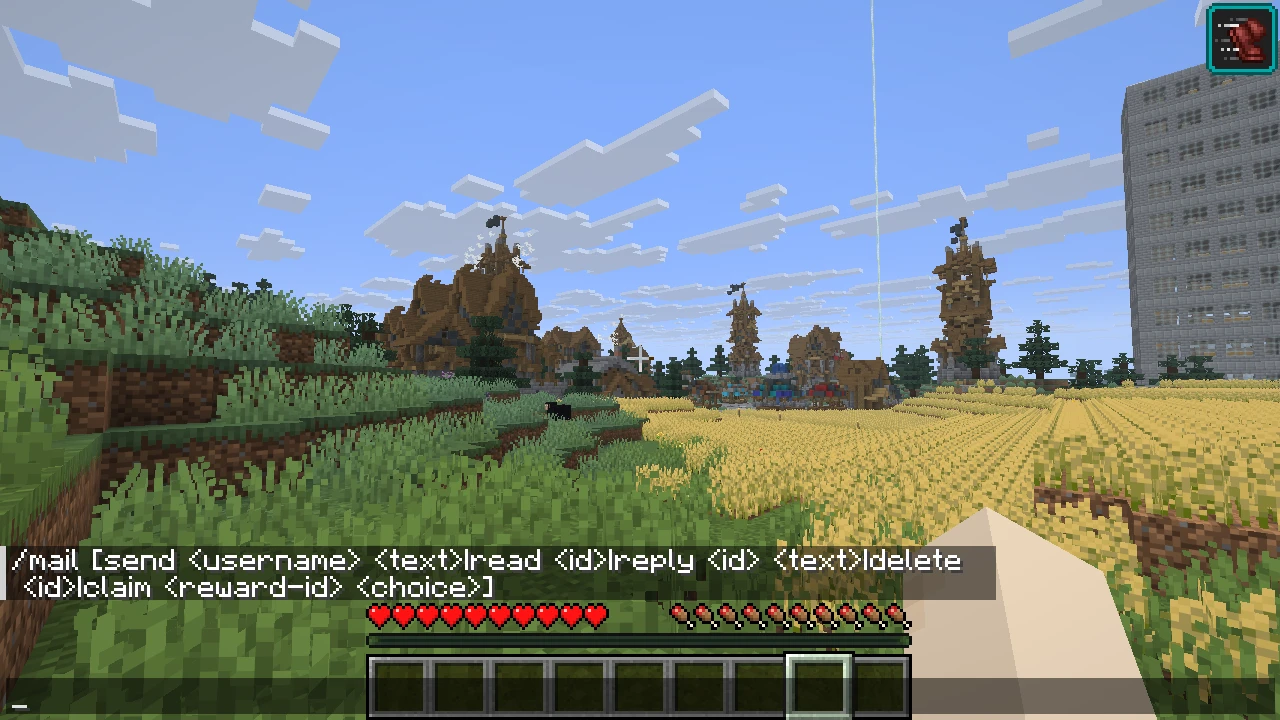
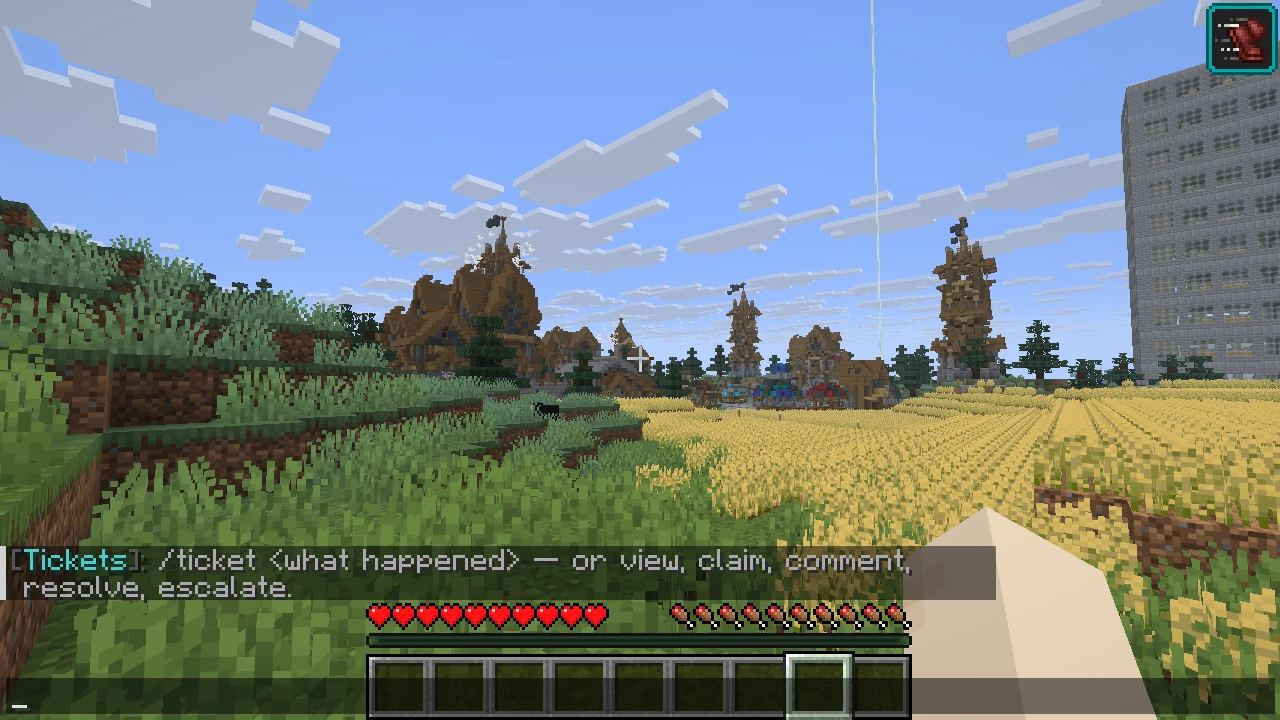
To categorize a report, start its description with grief, theft, cheat, chat, or appeal, followed by what happened. Words such as view, claim, and comment at the start are treated as ticket actions, so start a report with a different word or a category.
See help with common problems and the command index.