
Decorating tools
Mechanic III unlocks two tools for decorating. Buy the level with /perks and make sure you have permission at the destination.
Copy a sign
Section titled “Copy a sign”- Hold a feather and punch the sign whose text you want to copy. The side facing you is copied.
- Right-click another sign with the feather to paste onto the side facing you.
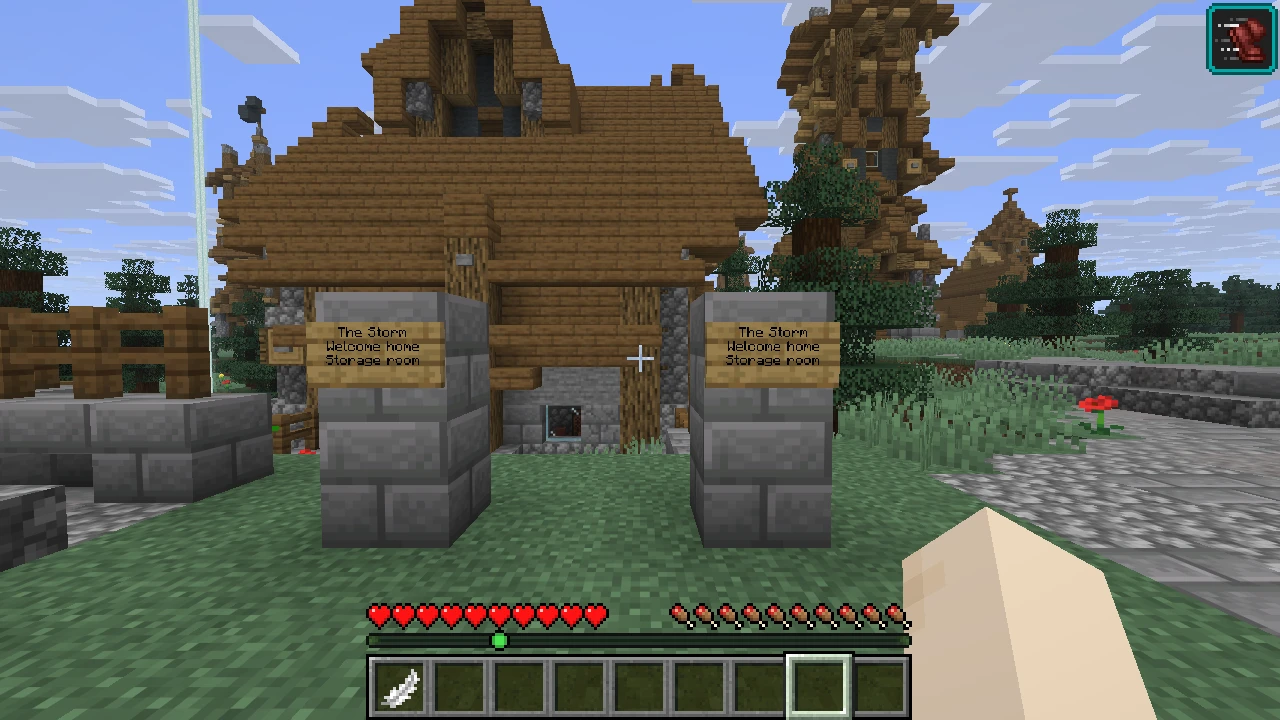
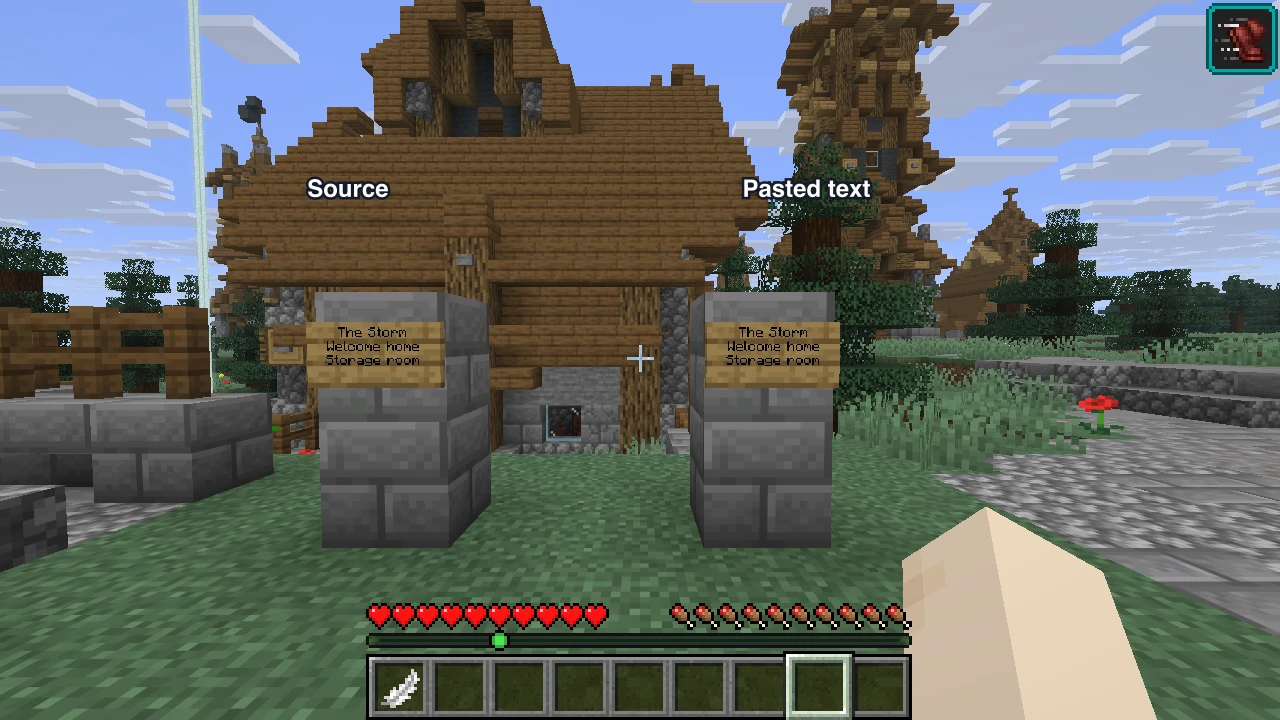
Only text is copied. The destination cannot be waxed, and you need build permission there. Pasting a mechanism tag follows the same checks as writing it yourself. Your copied text clears when you leave the server.
Choose a painting
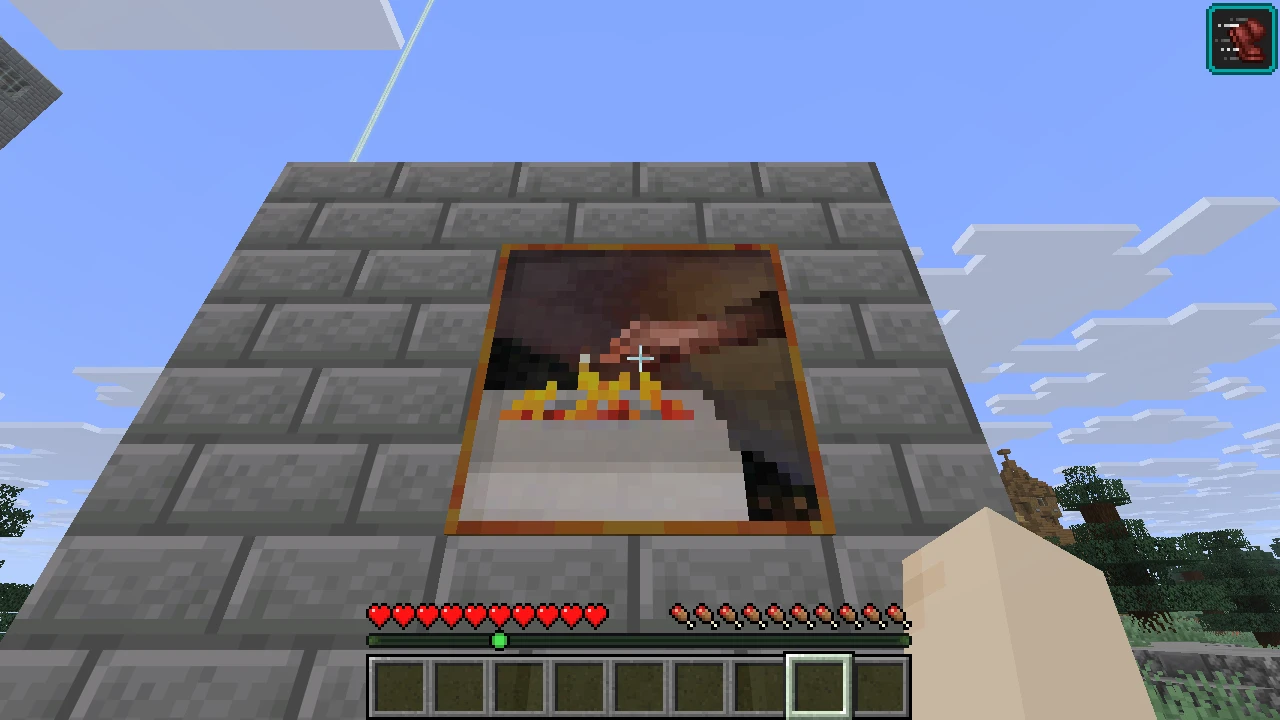
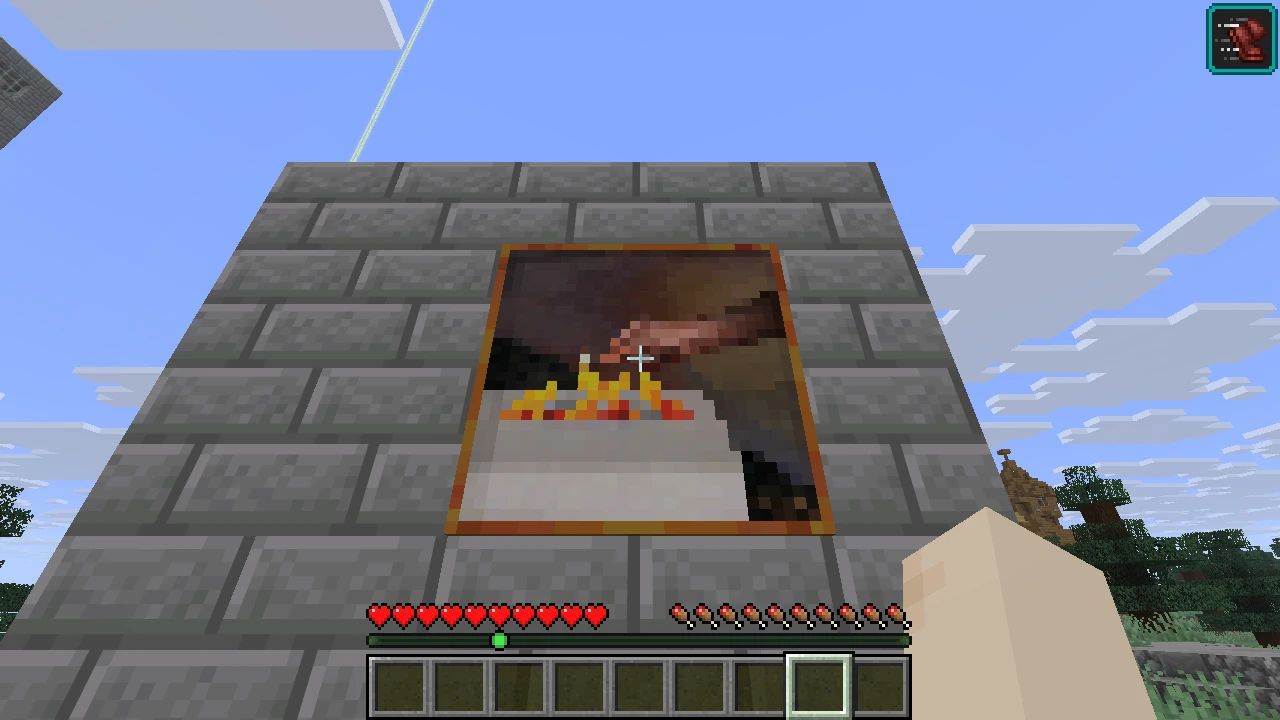
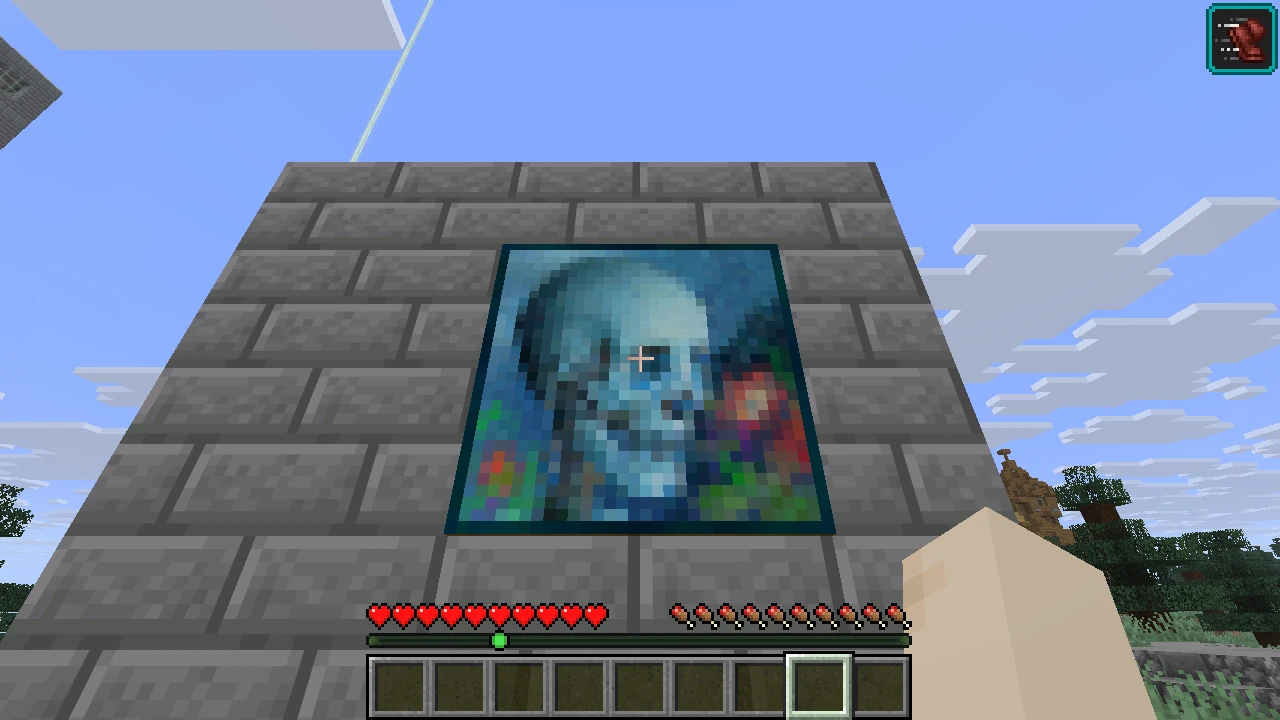
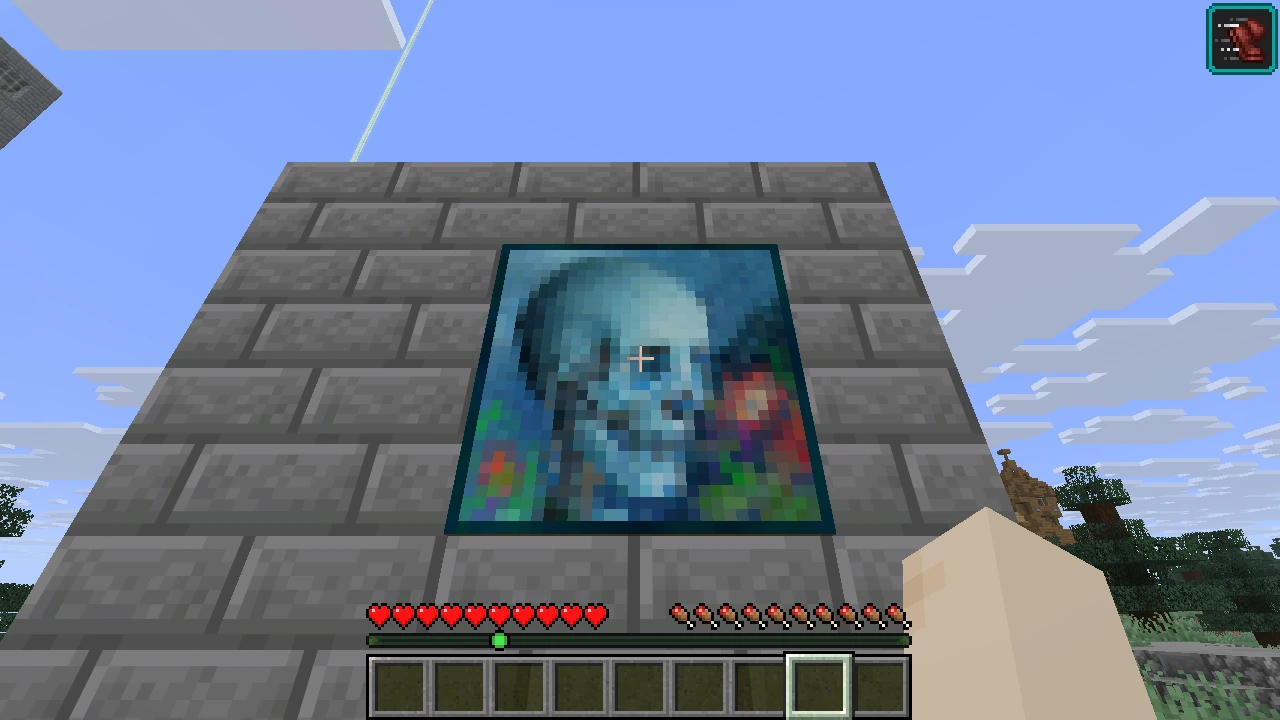
Section titled “Choose a painting”Right-click a painting to cycle to the next picture of the same size. Sneak and right-click to cycle backwards. You need permission to interact with the painting; if no other picture fits, the painting stays as it is.
See Mechanisms for other Mechanic unlocks.