
Stargates
Stargates connect destinations through sign-and-button portals. Right-click a gate’s sign to cycle through destinations, then press the button and walk into the portal. It stays open for 10 seconds. The welcome-plaza gate travels to the 2026, 2015, and 2016 worlds, Skylands, and Creative.
The video shows the welcome-plaza gate opening and a journey to Skylands. It closes automatically after its short opening. This is a server-built world gate; player-built gates use the smaller frame described in the build guide.
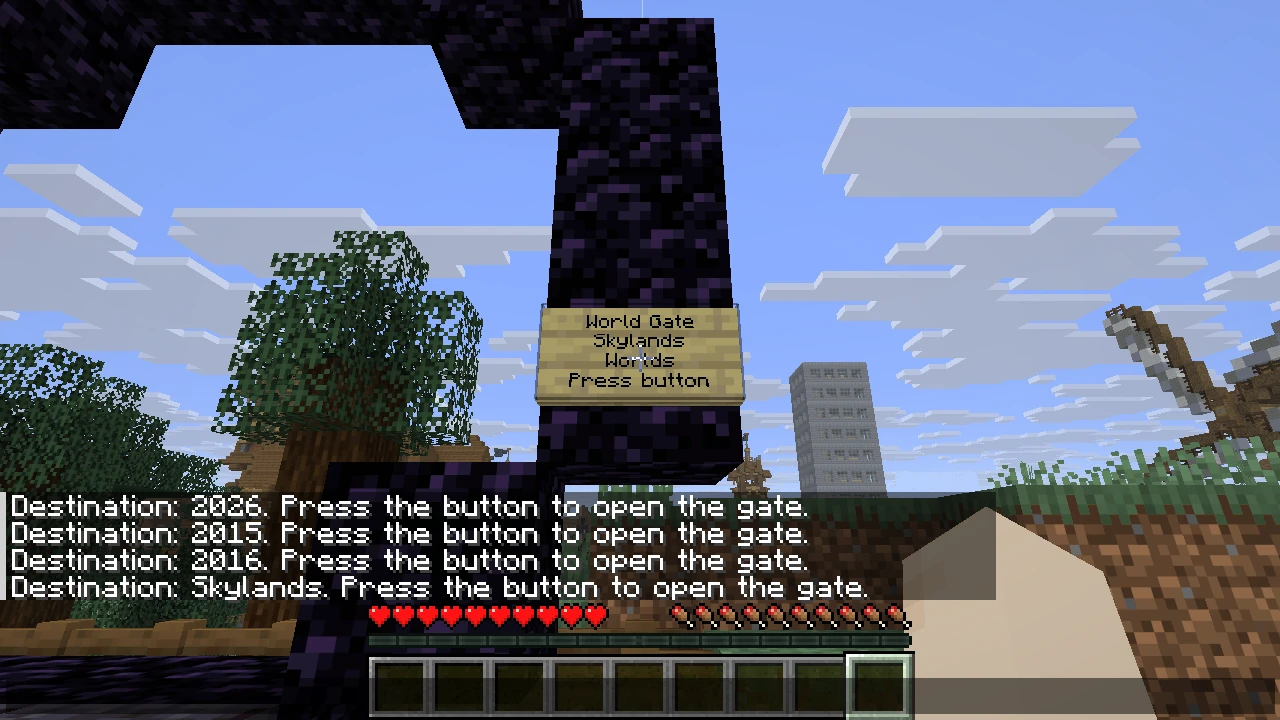
After you right-click the welcome gate’s sign, the destination appears in chat. Press the button on the other side to open it.
Create a Stargate network and build gates to connect your own destinations. /stargate also shows the in-game instructions.
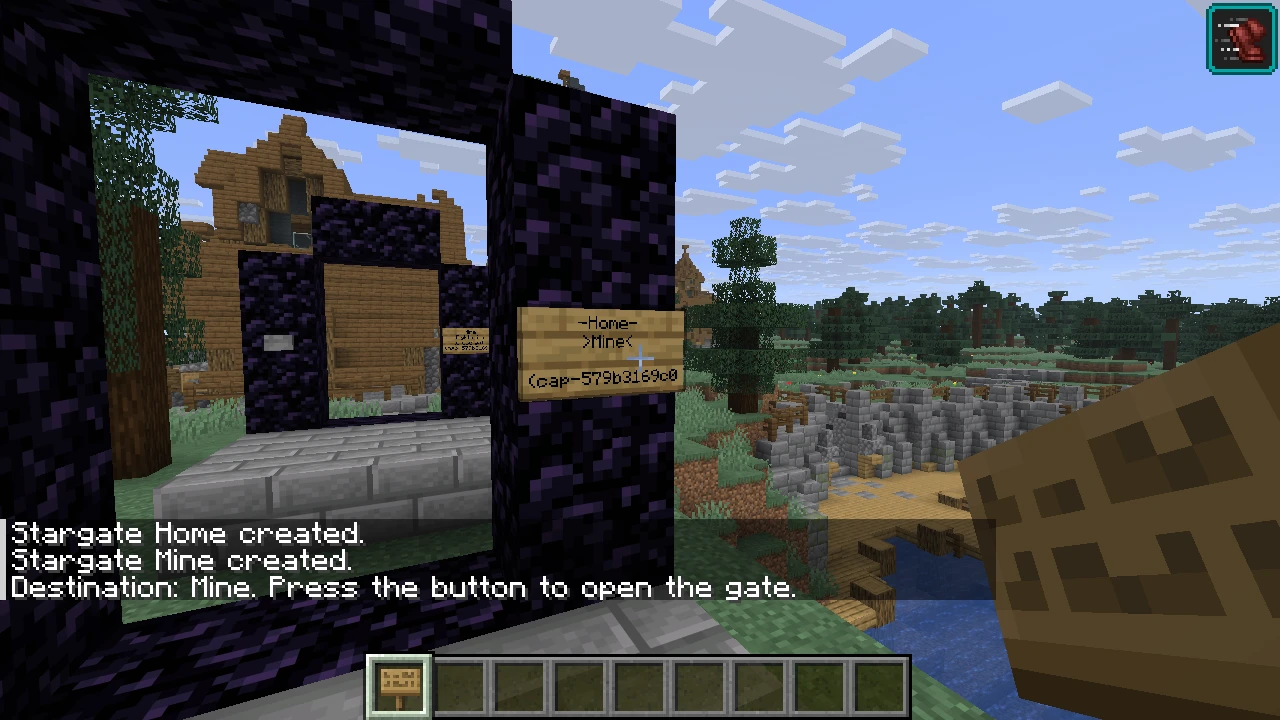
If a gate does not work
Section titled “If a gate does not work”For a player-built gate, check that both gates are registered on the same network and that you can access it. Check the frame, sign and button for changes, and wait for an open gate to close before selecting another destination. A private invitation can be revoked, including while a portal is open. If the destination is unavailable, ask its owner to check the destination gate and access.