
Search and Destroy bombs
Bombs can eliminate a whole team in Search and Destroy.
Every kit puts a Blaze Powder called Bomb Fuse in hotbar slot 1. Hold it and hold right-click on a bomb:
- Hold right-click on an enemy bomb to arm it.
- Hold right-click on your own armed bomb to defuse it.
Holding runs the clock at full speed for as long as you keep it on the bomb. A tap still counts, but each tap adds only a fifth of a second, so tapping is much slower. Arming or defusing starts from a 10-second base. Each distinct player who works the same bomb, including you, takes one second off, and some kits carry a fuse bonus. Let go for more than three quarters of a second and the progress resets. Holding only continues work you started by pressing, so once a bomb is armed or defused, let go and press again to work it again. The last living player on a team arms instantly.
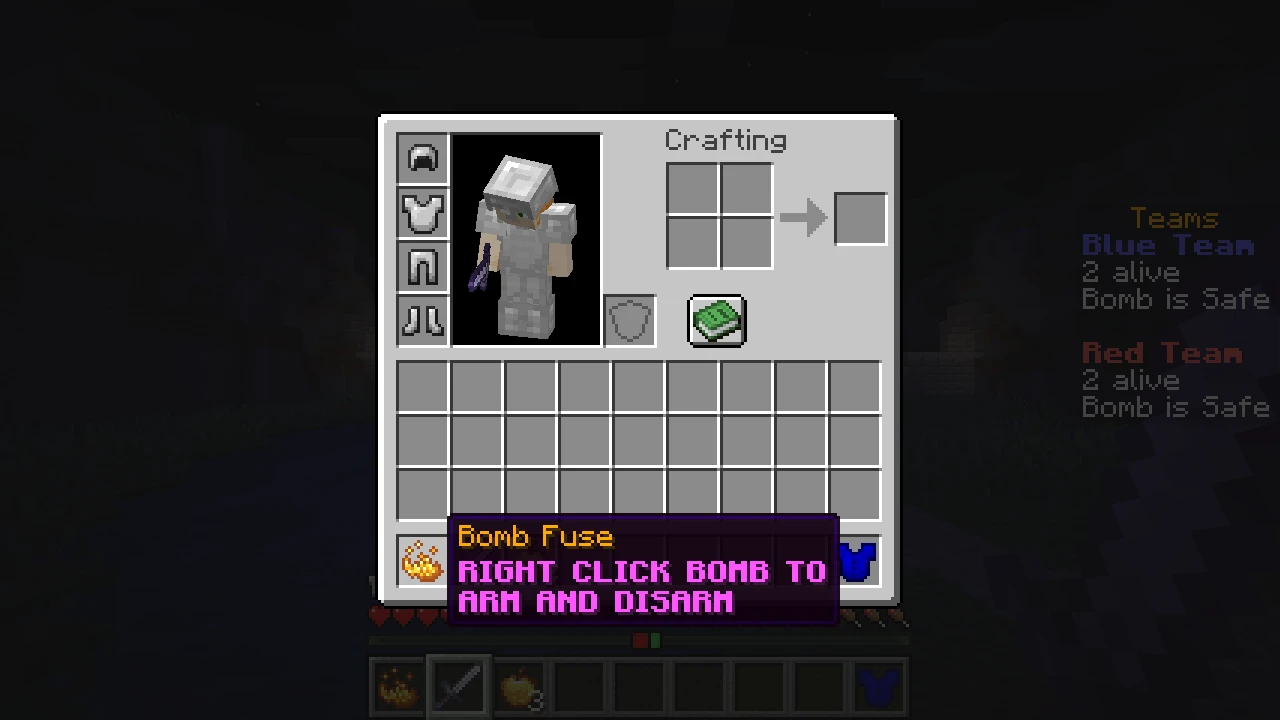
Compare safe, armed, and defused bombs
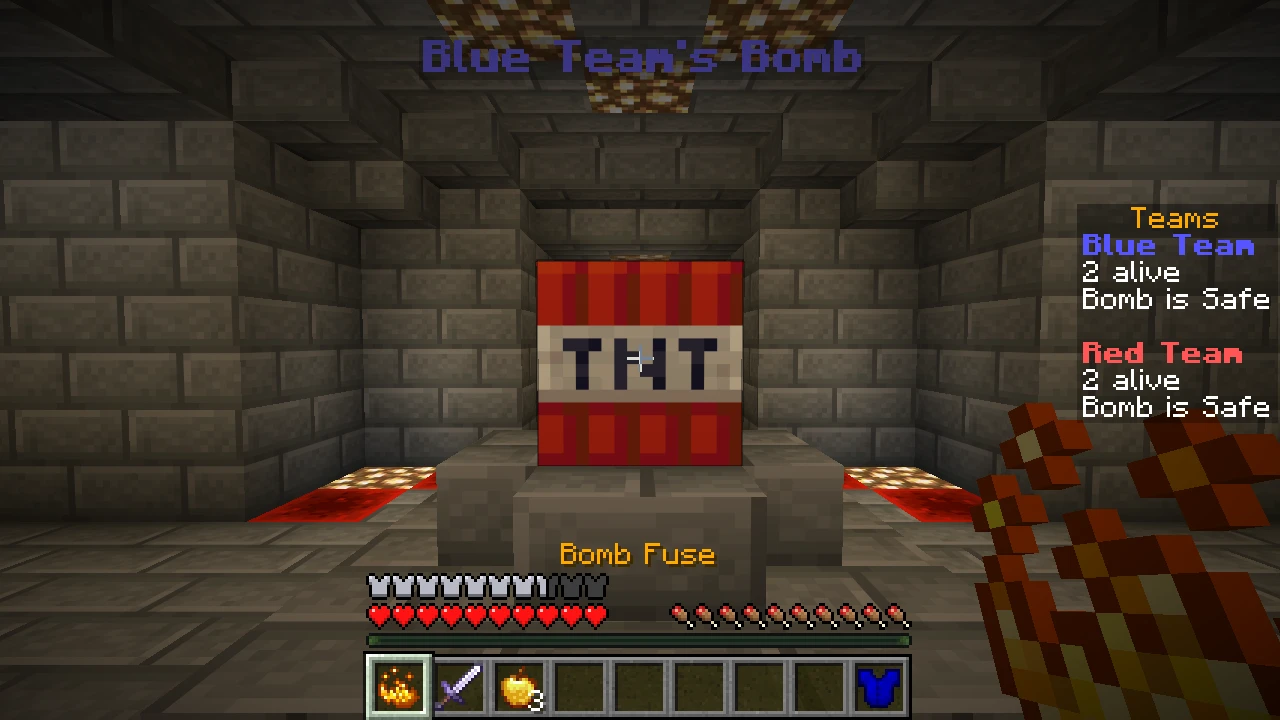
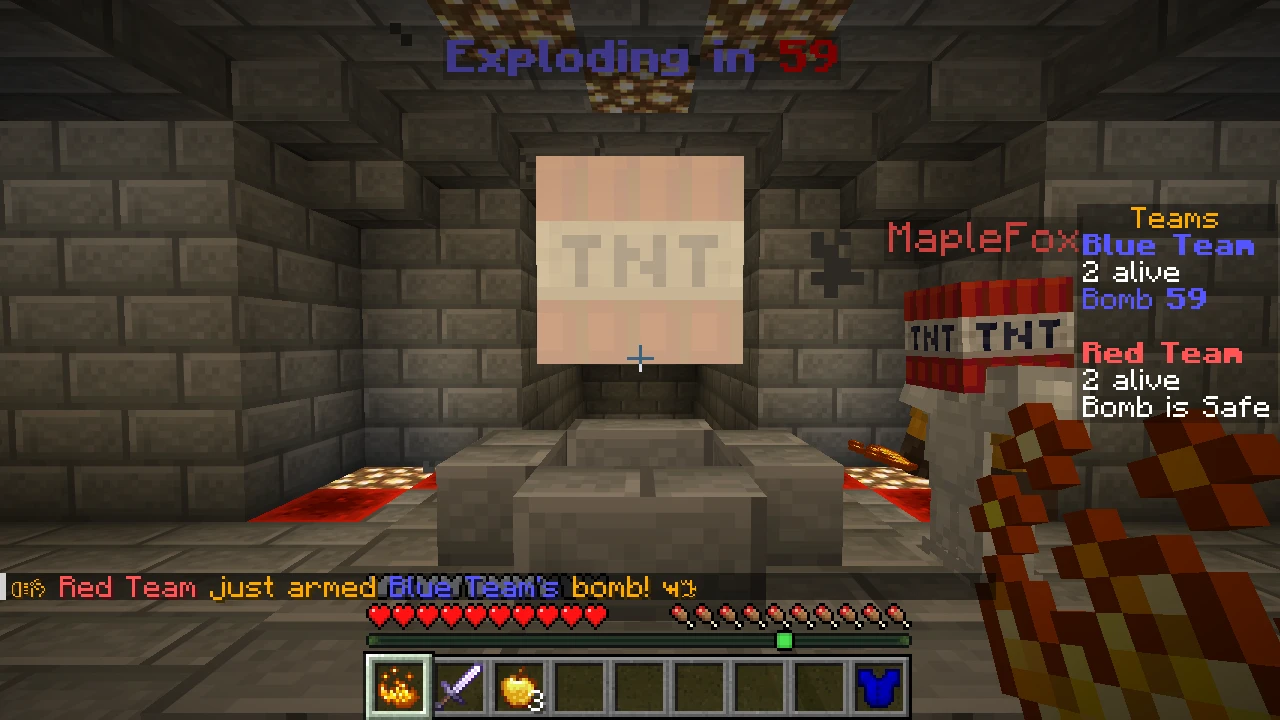
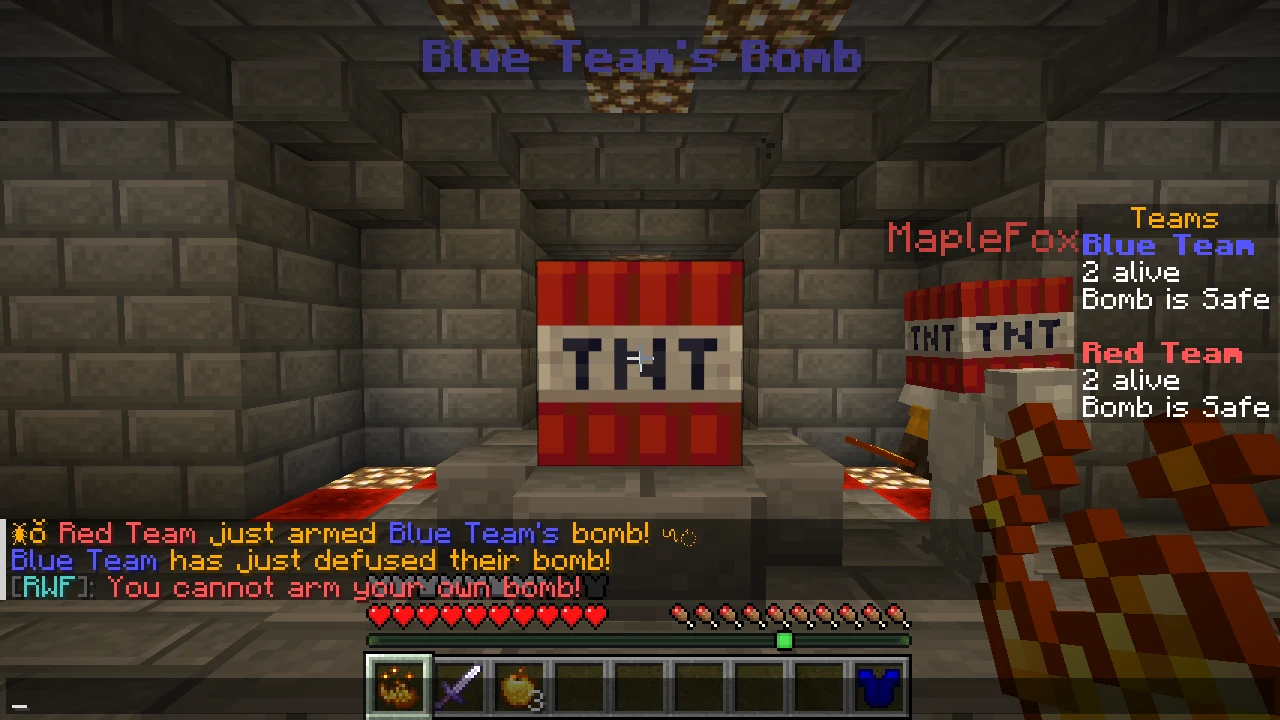
An armed bomb explodes after 60 seconds and kills everyone on the team that owns it. The crater turns nearby blocks to coal.
Some maps also have unowned nukes. Anyone can arm a nuke, and when it goes off it kills everyone except the team that armed it.